


In today’s digital age, local businesses rely more than ever on online visibility to attract new customers. Google My Business (GMB) is a powerful tool for boosting that visibility, allowing businesses to appear in local search results and connect with potential customers right when they’re searching for services nearby. Optimizing your Google My Business profile is a crucial step for local lead generation, helping drive traffic to your website, increase inquiries, and ultimately convert searches into sales. Here’s how to maximize your GMB profile and capture more local leads.
Why GMB Matters for Local Businesses
 Google My Business is more than just a business listing; it’s a mini website that provides essential information about your business, including hours, location, contact details, and customer reviews. With GMB, your business can show up in Google Search and Maps, enhancing its local visibility and credibility. In fact, businesses with complete and optimized GMB profiles are twice as likely to earn customer trust and generate interest compared to those without. An optimized profile ensures you appear in searches like “near me” queries, which are essential for attracting nearby customers ready to make a purchase or inquiry.
Steps to Optimize Your Profile
-
Claim and Verify Your Business Listing
If you haven’t already, start by claiming and verifying your Google My Business listing. This gives you full control of your business information on Google, allowing you to update details, respond to reviews, and monitor insights. Verifying your business also boosts credibility, showing customers that your profile is authentic and trustworthy.
-
Complete Every Section of Your Profile
A comprehensive GMB profile is key to ranking higher in search results and attracting more customers. Ensure every section of your profile is complete and up to date:
- Business Name: Use the exact business name without unnecessary keywords.
- Address: Provide a precise location, especially if you have a physical storefront.
- Service Area: For service-based businesses, specify the areas you serve.
- Hours: Keep business hours current, and update them during holidays or special events.
- Phone Number and Website: Double-check that these are accurate and connect customers directly.
-
Select the Right Business Category and Attributes
Choosing the right business category is crucial, as it helps Google understand your business and match you with relevant searches. Google allows you to select a primary category and several additional categories, so make sure they’re highly relevant. Attributes, such as “wheelchair accessible” or “outdoor seating,” provide specific details that further clarify what your business offers and attract customers with specific needs.
-
Write a Convincing Business Description
Your business description is your chance to tell potential customers what sets you apart. Highlight your unique offerings, core services, and values in a concise, engaging way. Avoid using keywords repetitively, but make sure your description naturally includes terms people would use to search for your services. Keep it clear, focused, and under 750 characters for optimal readability.
-
Upload High-Quality Photos and Videos
Visual content is a powerful way to make your profile stand out. Include high-quality photos of your storefront, products, team, and even behind-the-scenes shots. Businesses with photos receive 42% more requests for directions and 35% more clicks to their websites. Upload images regularly and consider adding short videos that showcase your products, services, or customer testimonials.
-
Encourage and Respond to Customer Reviews
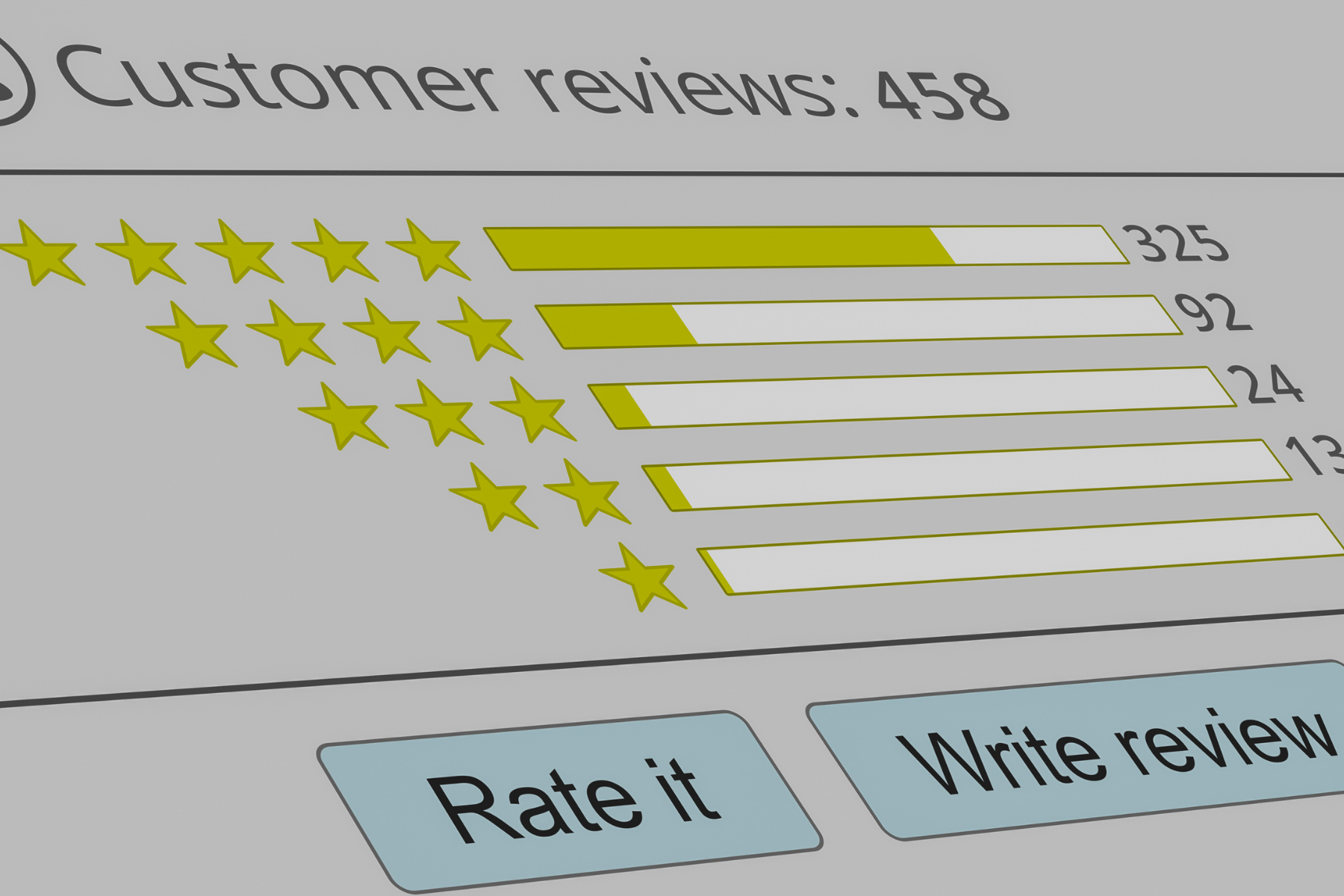
Customer reviews are essential for building trust and attracting new leads. Encourage satisfied customers to leave positive reviews, and make it a habit to respond to all reviews—positive and negative. Thank customers for their feedback and address concerns professionally. Responding to reviews shows potential customers that you value feedback, improving your credibility and attracting more local leads.
-
Use Google My Business Posts to Share Updates
GMB Posts are a great way to keep your audience informed about what’s happening at your business. These posts appear directly on your profile, giving you the chance to promote special offers, upcoming events, new products, or seasonal hours. Use eye-catching images, brief descriptions, and clear calls-to-action (CTAs) to engage customers.
-
Add Services and Product Listings
If you offer specific services or products, list them on your GMB profile. Adding services or products helps customers understand what you offer before they even visit your website, making them more likely to contact you directly from your GMB listing.
-
Leverage Insights to Track Performance
Google My Business Insights offers valuable data on how customers interact with your profile. Review these insights to understand how customers find you, what actions they take, and which photos are most engaging. Use this data to refine your strategy, adjust your approach, and focus on the actions that drive the most leads.
-
Use a Local Number and Accurate Address
To make sure you appear in local searches, use a local phone number and double-check that your address is precise. Consistency across all online platforms is essential for building trust and authority in your area.
Benefits of an Optimized GMBP
- Increased Visibility: Appearing in the Local Pack or on Google Maps means more eyes on your business, leading to more clicks and visits.
- Higher Customer Trust: A complete and active profile demonstrates credibility and professionalism, encouraging more customers to engage.
- Improved Engagement: With photos, reviews, and posts, customers can interact with your brand directly on the search page, increasing the likelihood of conversions.
- Better Customer Experience: Providing clear, up-to-date information reduces customer frustration and makes it easier for them to choose you.
Start Optimizing Your GMB for Local Leads Today
Google My Business is an invaluable tool for local lead generation, and it’s free to use. Taking time to set up and regularly update your profile ensures you’re not just visible but also attractive to potential customers. For additional support or to learn more about optimizing GMB for lead generation, visit SnapSales or contact us for expert guidance on driving local business growth.